Sorry, you need to enable JavaScript to visit this website.
Library Notice

Library Analytics Dashboards

Welcome to the Library Analytics Dashboards. This page provides access to a collection of interactive dashboards designed to help you explore and understand research impact at various levels. Developed by the Library, these dashboards bring together trusted data sources to support evidence-based decision-making, reporting, and strategic planning. They can also be used to gain insights into publication outputs, citation patterns, collaboration, and other key indicators of research visibility and impact.

Dashboard Overview


account_balance

Headship Access Only

Institutional Research Impact Dashboard

A strategic tool for analyzing research output and global impact at the institutional, faculty, and departmental levels.

View Dashboard (Lingnan Login Required)

frame_person

For Academic Staff

Personal Research Impact Dashboard

A personalized overview of your scholarly publishing performance, offering insights into your individual research output, impact, and collaborations.

View Dashboard (Lingnan Login Required)

public

Public Access

Public Dashboards

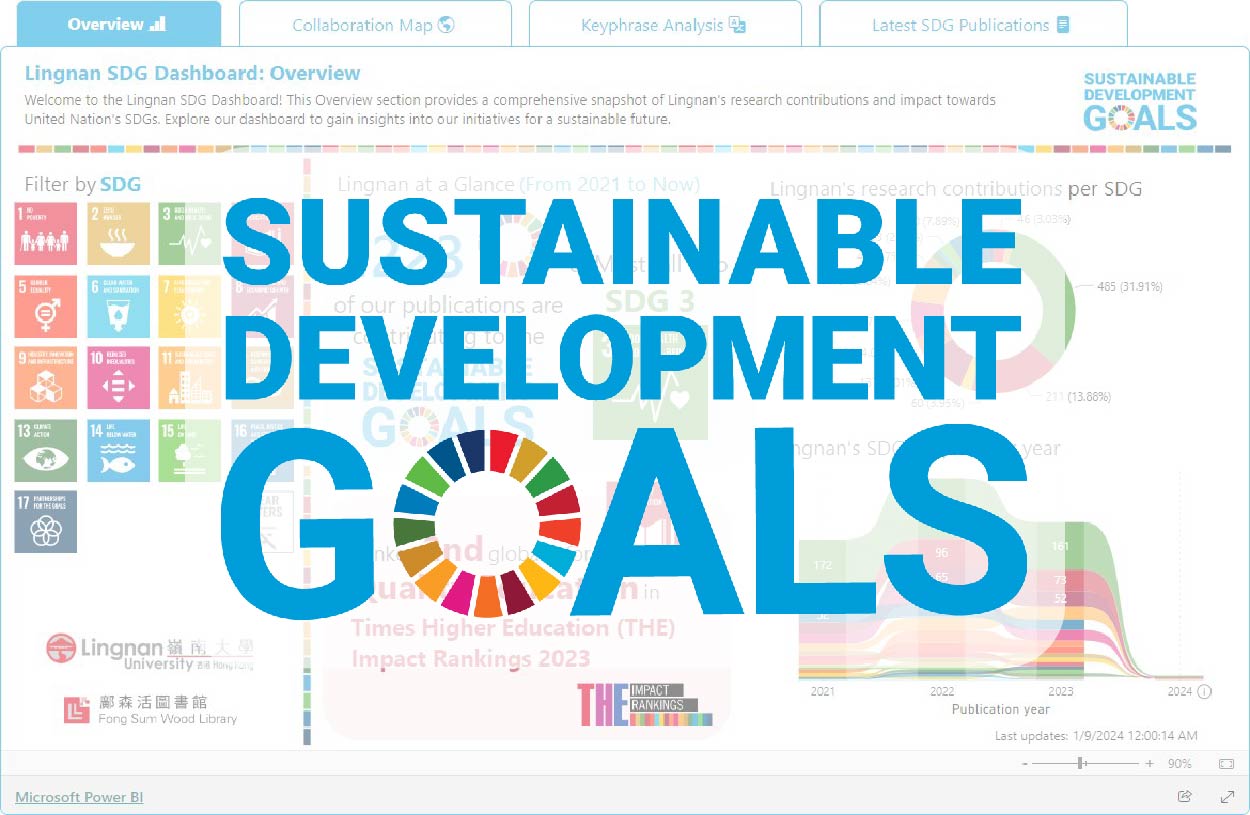
A series of Research Impact Dashboards capturing the key metrics that reflect Lingnan's significant research contributions across various areas.

View Dashboard

How to Use the Dashboards

Navigating the Pages: To explore the different pages of this dashboard, simply use the navigation bar at the bottom. Click on a page title to view insights on that specific topic.

Exporting Data: You can easily export the data from any visualization to a CSV file. To do so, hover your cursor over the visual you want to export. From the three dots (…) that appear in the upper right corner, select "Export data". This will download the data in a CSV format.

Export Screenshot

Access & Permissions

Institutional Research Impact Dashboard: This dashboard is reserved for Institutional Leadership. Data visibility is determined by your role:

  • Presidential Group: University-wide overview
  • Faculty Deans: Faculty-level analytics
  • Heads of Departments / Directors of Research Centres: Departmental and Centre-level insights

Personal Research Impact Dashboard: All academic staff can access their individual dashboards. Non-academic staff members can request access to their individual dashboard by contacting scholars@LN.edu.hk.

Public Dashboards: Accessible to anyone

person_add

Need to designate a Trusted User?

Please contact the Library via scholars@LN.edu.hk if you would like to assign a Trusted User to view and monitor your data on your behalf. Requests must be submitted by the person with access to the data.

help

Have Questions? Can't access the dashboard you need?

Contact the Research Support Team at Library for Help!

arrow_circle_up Chat with Summy